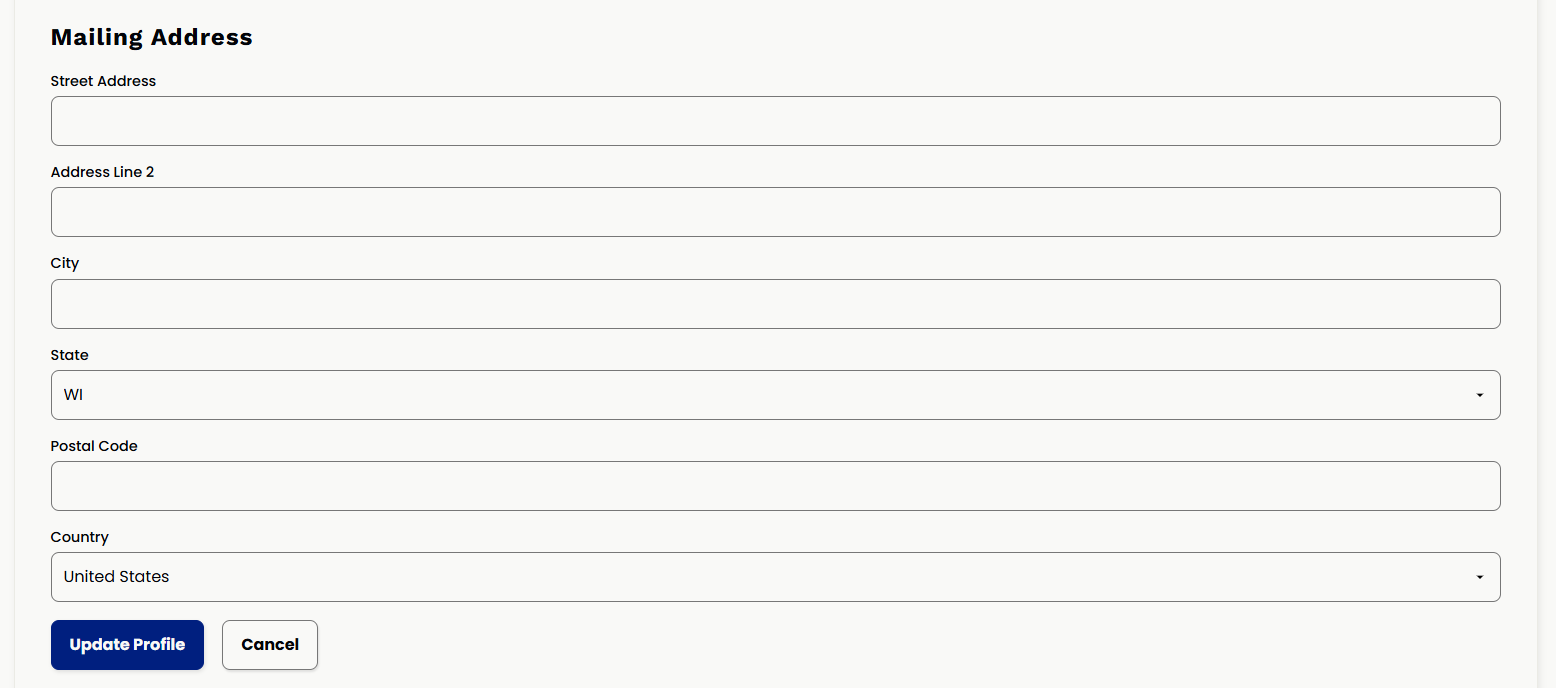
How do I update my mailing address?
When you sign up with KIC, you are asked for your mailing address. We use this if you opt into receiving a copy of the Korsgaden Insights Magazine each issue that gets published while you are a member.If you’ve recently moved, changed offices, or simply want to confirm the address we have on file, you can update it anytime directly within your member account.
Follow the steps below to review or update your mailing address:
- Login to the website
- Navigate to the Member Dashboard
-
To get here on desktop, hover over MEMBERSHIP in the top navigation header

- If on mobile, you can open the hamburger menu (3 lines) in the top right of the website and it will appear under the MEMBERSHIP section.
-
-
Then from the dashboard, you will see a box on the page that says "Welcome, [your first name]" with your account options. Click Update Profile:

- From this page now, you can update your general information, communication preferences, and the mailing address on file. This is the address that we will use when we pull reports of magazine opted in members at each magazine issue. Be sure to hit the save/update profile button after making any updates.