
How do I cancel my membership?
We are sorry to see you go!
You can cancel your membership within your account settings (or click this link here)
- Login to the website
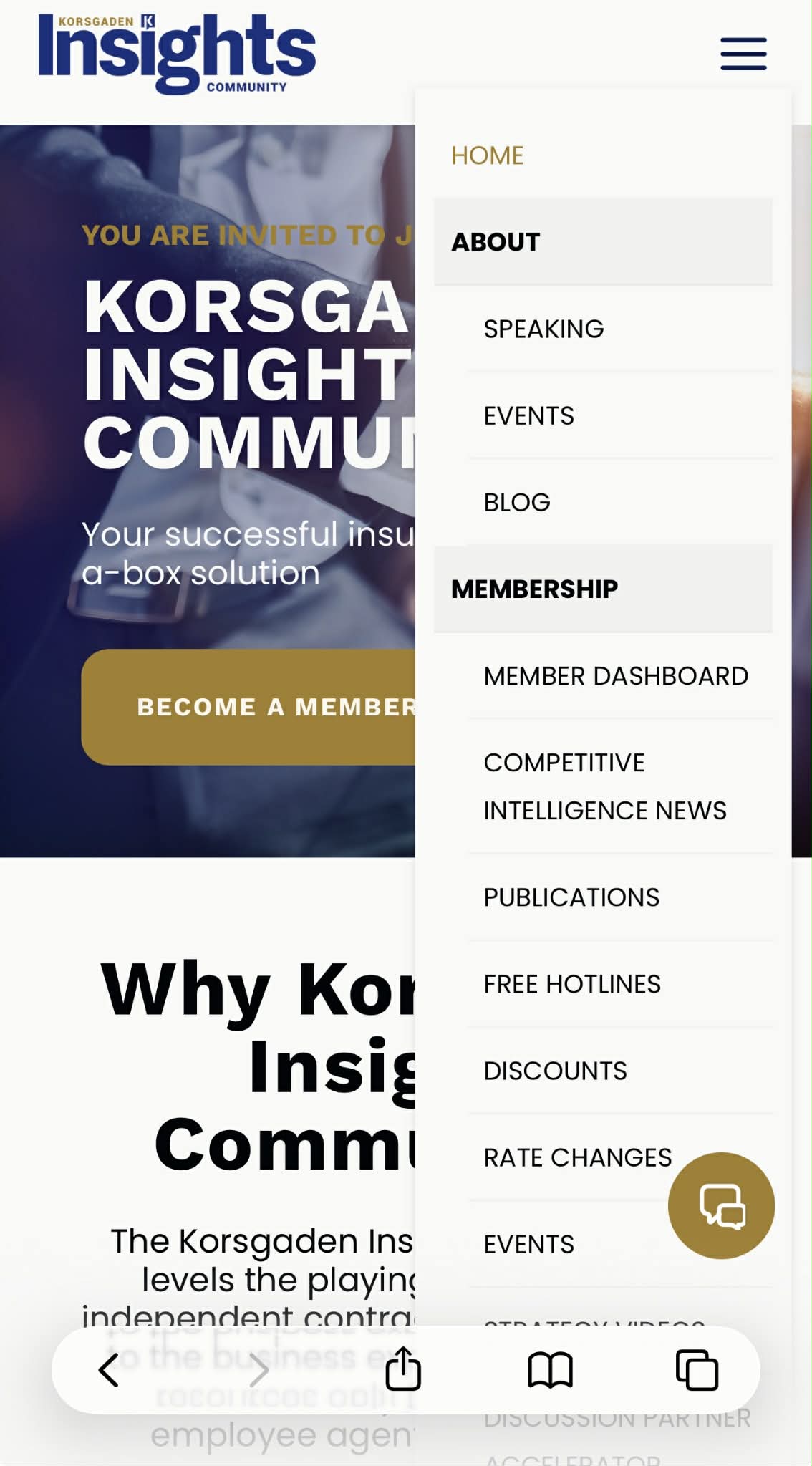
- Navigate to the Member Dashboard
-
To get here on desktop, hover over MEMBERSHIP in the top navigation header

-
If on mobile, you can open the hamburger menu (3 lines) in the top right of the website and it will appear under the MEMBERSHIP section of the menu.
-
- From the dashboard, you will see a box on the page that says "Welcome, [your first name]" with your account options. Click MY ACCOUNT:

- Scroll to the My Memberships section
- Click Cancel

- You'll then be prompted to fill out a reason for cancelling - please provide us any valuable feedback to improve! Upon entering a reason and confirming the cancellation, your subscription payment will be cancelled and your account will be set to expire at the end of your pre-paid term.

With any issues throughout this process, please feel free to email support@korsgaden.com